
Below is a summary of the reports currently available within the Supplier Portal, along with what they include and how they may be able to help you.
Printing order reports
- Click on the 'Reports' button on the Label Printing page.
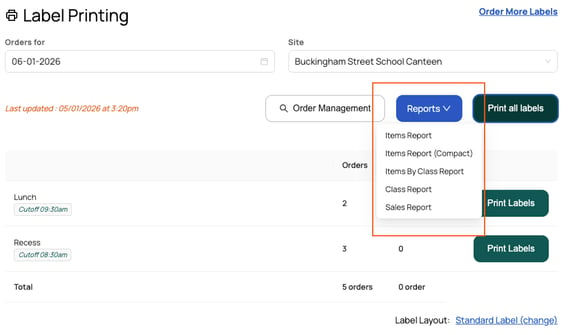
- Select the report you want to print:
- You will be directed to a preview page. Click the blue 'Print (A4)' button.
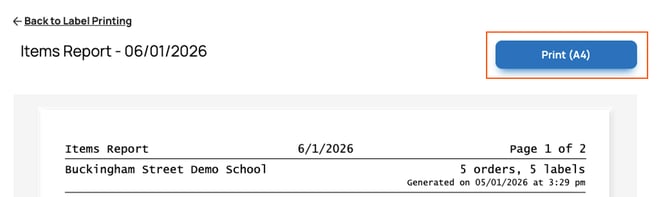
- The print preview screen will appear. Ensure your A4 printer (not your label printer) is selected as the printer destination, then click 'Print'.