
Non Australian School
Flexischools App
- Firstly, press the Wallet icon. Following this, press on the Payment Method
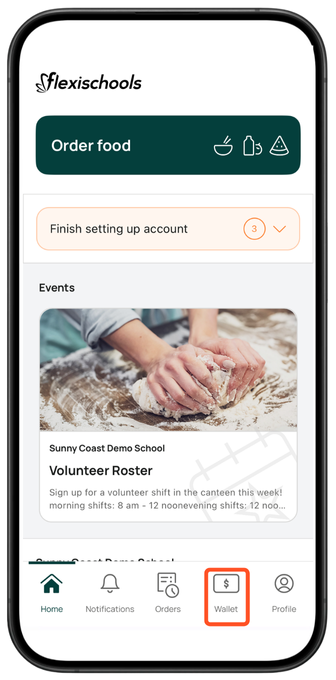
- Choose another saved payment method or select Card to add a new one
You will be required to add a new payment method in advance of topping up your account again.
Flexischools Website (Desktop)
- Select Top Up Wallet on the left-hand side of the screen.
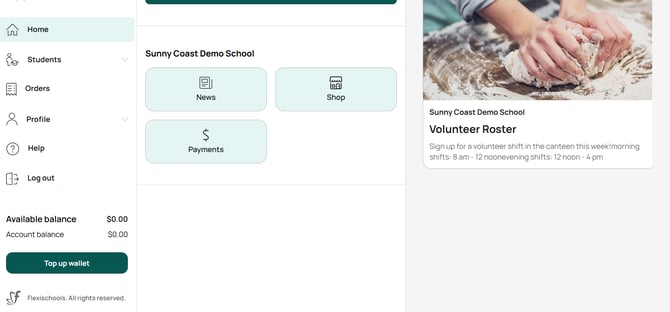
- Choose another saved payment method or select Card to add a new one
Please note that this will not affect the current balance of your account.
You will be required to add a new payment method in advance of topping up your account again.